How to Put John Deere Tractor in 4×4 in 3 Easy Steps
To put your John Deere tractor in 4×4 mode, first make certain it’s on a flat surface with the engine off and tires properly checked. Next, locate the 4WD control near your seat or dashboard and activate it by pushing, pulling, or flipping the switch while stationary or moving slowly. Finally, confirm engagement by checking the 4×4 indicator light and testing traction at a controlled speed. These simple steps guarantee safe and effective use, and there’s more to master for peak performance.
Key Takeaways
- Ensure the tractor is stationary or moving slowly before engaging 4×4.
- Locate the 4WD switch or lever near the operator’s seat or dashboard.
- Push, pull, or flip the 4WD control to activate the 4×4 mode.
- Listen for a click or feel a shift indicating the front wheels are powered.
- Confirm 4×4 engagement by checking the dashboard indicator light.
Step 1: Check and Ready Your John Deere Tractor for 4×4 Mode
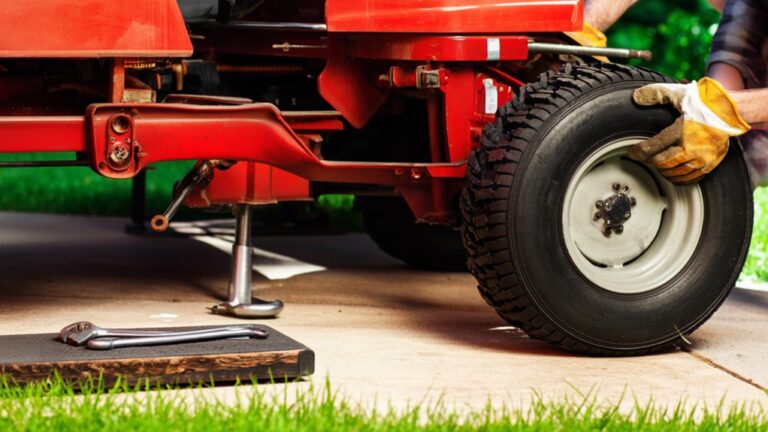
Before you engage the 4×4 mode on your John Deere tractor, make sure the machine is on a flat surface and the engine is turned off. This guarantees safety and prevents unnecessary strain on the drivetrain.
Next, inspect the tires for proper inflation and any visible damage. Uneven tire pressure can affect traction when 4×4 is activated.
Inspect tires for proper inflation and damage to ensure optimal traction when engaging 4×4 mode.
Check the transmission fluid and differential oil levels as well to guarantee smooth operation.
Make sure the tractor’s parking brake is engaged to keep it stationary during the switch.
Finally, confirm that there’s no debris or obstacles around the tractor that could interfere once you shift into 4×4 mode.
Taking these preparatory steps helps your tractor perform at its best and safely when you’re ready to switch.
Step 2: Switch Your John Deere Tractor to 4×4 Mode

Once you’ve verified everything is set, you can switch your John Deere tractor into 4×4 mode by engaging the four-wheel drive control.
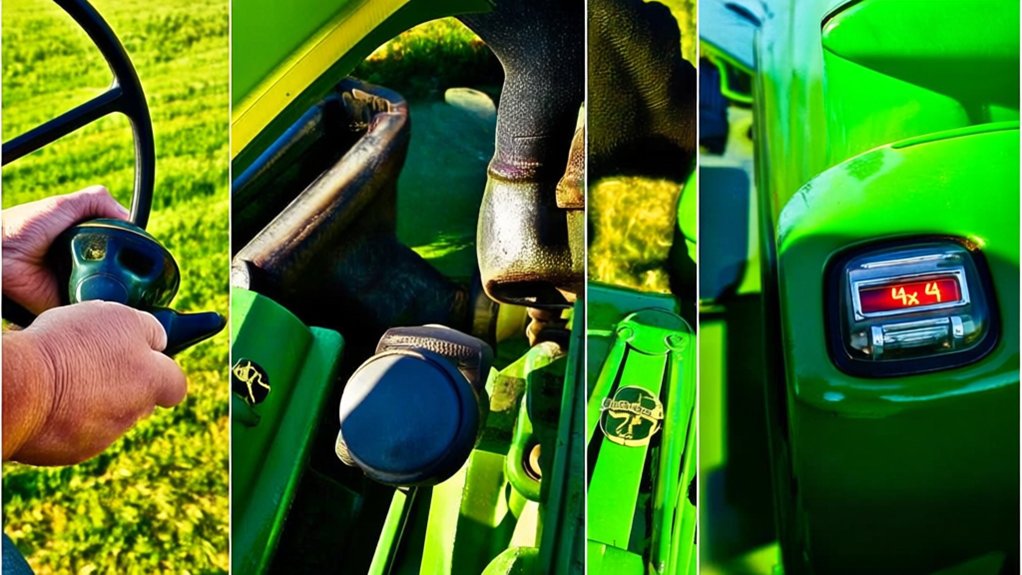
Locate the 4WD switch or lever, usually positioned near the operator’s seat or on the dashboard. Depending on your model, you might need to push, pull, or flip this control to activate four-wheel drive.
Make sure your tractor is either stationary or moving very slowly to avoid damaging the drivetrain. After engaging the control, you’ll often hear a click or feel a slight shift, indicating the front wheels are now powered.
This process transfers power to all four wheels, improving traction and stability. Remember, switching to 4×4 mode is straightforward once you know where the control is and how it operates.
Step 3: Confirm Engagement and Use 4×4 Mode Safely

Although engaging the 4×4 mode is simple, you’ll want to confirm it’s properly activated before putting your John Deere tractor to full use. Start by checking that the 4×4 indicator light on the dashboard turns on, signaling proper engagement.
Next, gently test the tractor’s traction by slowly moving it forward; you should feel the extra grip from the front wheels.
Finally, always operate your tractor at a safe speed when in 4×4 mode to maintain control and avoid drivetrain damage.
Remember these key points:
- Verify the 4×4 indicator light is illuminated.
- Test traction with slow, controlled movement.
- Maintain a safe speed to protect the drivetrain.
Following these steps ensures you use 4×4 mode effectively and safely.
Frequently Asked Questions
What Maintenance Is Required for the 4×4 System on John Deere Tractors?
You should regularly check and change the 4×4 system’s fluid, inspect drive shafts and U-joints for wear, keep the transfer case clean, and guarantee all electrical connections are tight. Don’t forget routine lubrication to prevent damage.
Can I Use 4×4 Mode on All John Deere Tractor Models?
When your tractor’s wheels dig into muddy soil, you’ll want 4×4—but not all John Deere models have it. You’ll find 4×4 mostly on mid to large models, so check your manual before engaging.
How Does 4×4 Mode Affect Fuel Efficiency?
Using 4×4 mode usually lowers your fuel efficiency because it engages more components, increasing power demand. You’ll get better traction but expect higher fuel consumption, especially during prolonged use on firm or dry ground.
What Are Common Signs of 4×4 System Failure?
When your tractor’s 4×4 system falters, it’s like a stubborn mule refusing to move. You’ll notice slipping wheels, strange noises, or difficulty engaging 4×4. Don’t ignore these signs—they signal urgent repairs ahead.
Is 4×4 Mode Suitable for All Farming Terrains?
No, 4×4 mode isn’t suitable for all farming terrains. You’ll want to use it on slippery, uneven, or soft ground for better traction but avoid it on hard, dry surfaces to prevent unnecessary wear and damage.
Conclusion
Now that you’ve navigated the necessary steps, you’re ready to rev up your reliable John Deere tractor in robust 4×4 mode. By checking carefully, switching smoothly, and confirming confidently, you conquer challenging conditions with ease. This seamless shift sparks strength and stability, letting you tackle tough terrain like a true tractor titan. Remember, mastering your machine means moving smarter and safer—so step into 4×4 and steer your success straight ahead!