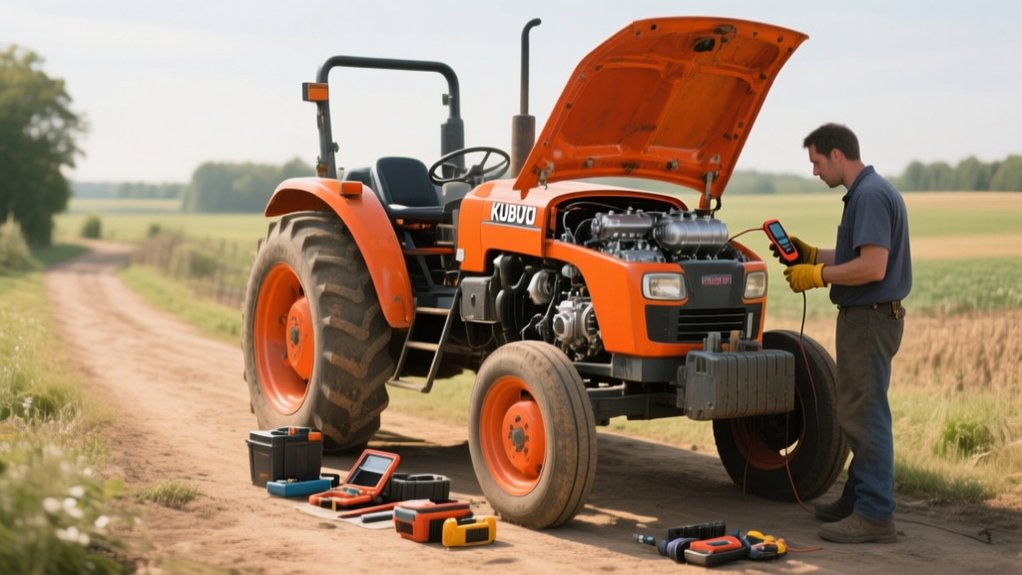
10 Easy Steps to Regenerate a Kubota Tractor
To regenerate your Kubota tractor, first check the regeneration indicator to know its status. Prepare by inspecting fluids, fuel, and safety gear. Move the tractor to a flat, well-ventilated area, then warm the engine at idle until it reaches operating temperature. Select the appropriate regeneration mode and avoid interrupting the cycle to guarantee complete soot burn-off. Keep the engine steady during the process, and use Kubota-approved fuel and additives. Follow these steps, and you’ll maintain top performance and efficiency—there’s more to learn to keep everything running smoothly.
Key Takeaways
- Move the tractor to a flat, open, and well-ventilated area away from flammable materials and people.
- Warm up the engine by idling until it reaches the normal operating temperature.
- Activate the regeneration mode using the tractor’s switch or button while maintaining steady RPM.
- Keep the engine running continuously for about 30 minutes, avoiding engine stalls or interruptions.
- After completion, perform routine maintenance like checking filters, fuel quality, and coolant levels.
What Is Kubota Tractor Regeneration and Why It Matters
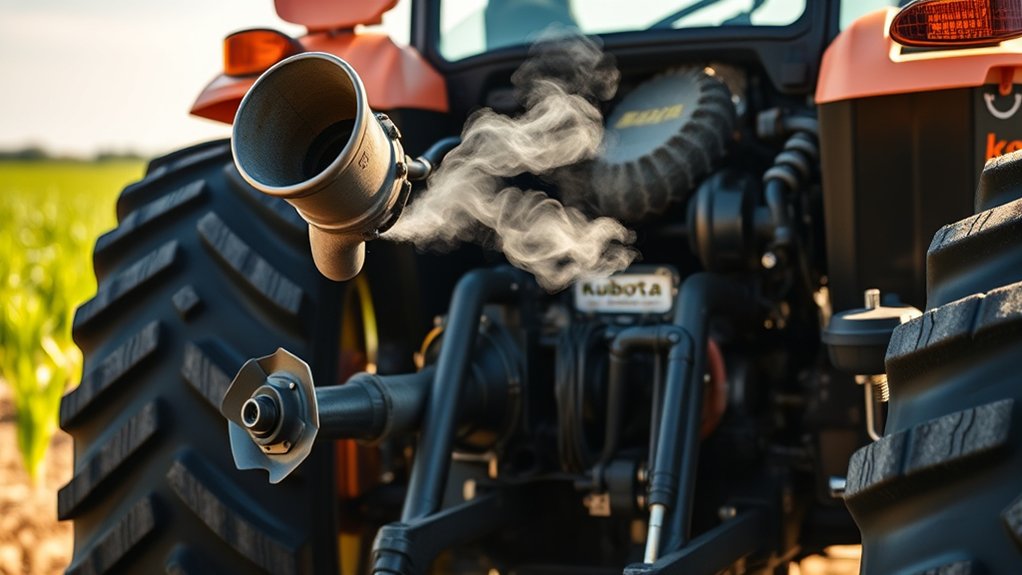
Although it might seem complex at first, Kubota tractor regeneration is simply a process that cleans the diesel particulate filter (DPF) to keep your engine running smoothly.
Kubota tractor regeneration cleans the diesel particulate filter to ensure your engine runs efficiently.
As you operate your tractor, soot and ash build up in the DPF from exhaust gases, which can reduce performance and fuel efficiency.
Regeneration burns off this trapped material by raising the exhaust temperature, restoring the filter’s ability to trap harmful particles.
If you skip this process, you risk engine strain, increased emissions, and costly repairs.
By understanding regeneration, you guarantee your Kubota tractor maintains peak power and longevity.
It’s an essential maintenance step that helps you avoid downtime and expensive fixes while keeping your equipment environmentally friendly.
Check the Kubota Regeneration Indicator
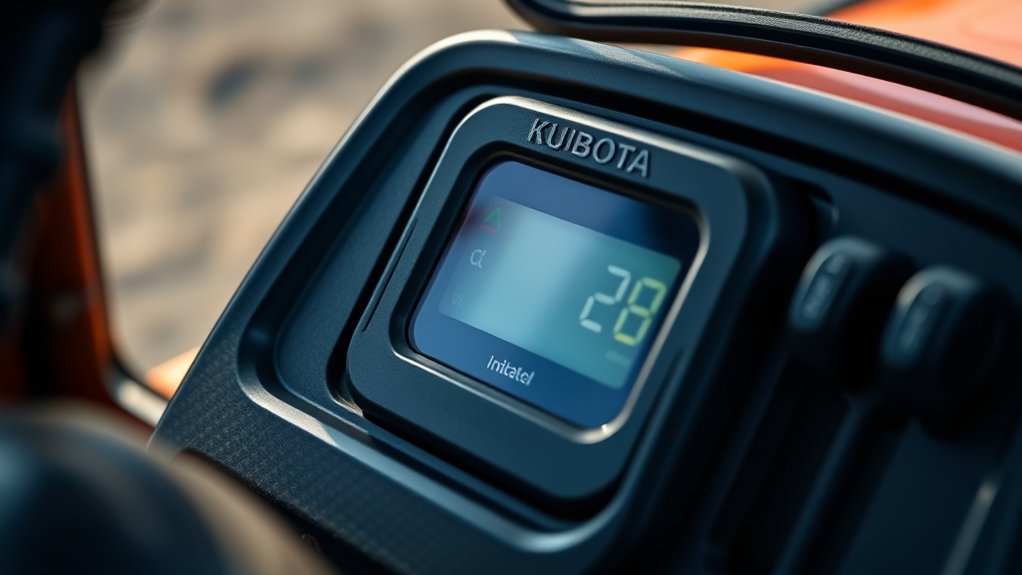
You’ll want to keep an eye on the Kubota regeneration indicator to know when action is needed. The indicator light changes color to signal different stages of the regeneration process.
Understanding these signals helps you avoid engine issues and keeps your tractor running smoothly.
Understanding Regeneration Indicator
Before you start the regeneration process, you need to check the Kubota regeneration indicator carefully. This indicator helps you understand when your tractor’s diesel particulate filter (DPF) requires cleaning. It alerts you to buildup levels, ensuring you don’t miss the best time to regenerate.
Ignoring it can lead to poor engine performance or damage. The indicator usually appears on your dashboard and may show as a symbol or a message. By paying attention to this signal, you’ll know when the tractor needs regeneration, preventing costly repairs.
Indicator Light Meanings
Kubota’s regeneration indicator features several distinct lights, each signaling a specific status of your tractor’s diesel particulate filter (DPF).
When the green light is on, your DPF is clean, and no action is needed.
A yellow light means the filter is partially clogged, and you should plan for a regeneration soon.
The flashing yellow light signals an active regeneration process, so keep your tractor running without interruption.
If a red light appears, it indicates a severe blockage or system fault; you must stop and perform a manual or park regeneration immediately to prevent damage.
Understanding these lights helps you maintain ideal engine performance and avoid costly repairs by addressing problems early and ensuring your Kubota tractor runs smoothly.
Prepare Your Kubota Tractor for Safe Regeneration
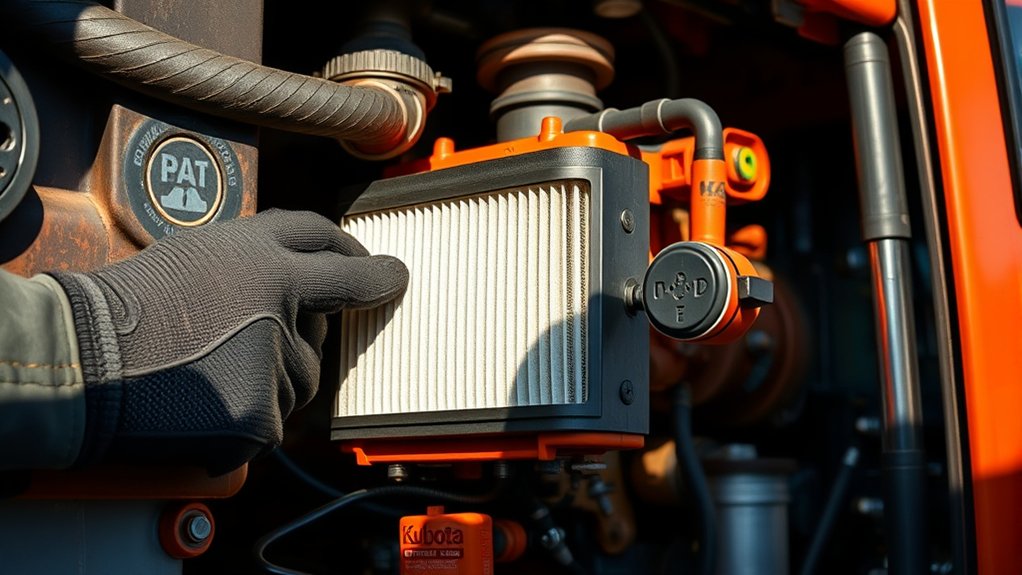
Before starting the regeneration, make sure you’re wearing the right safety gear to protect yourself.
Check your tractor thoroughly using a simple inspection checklist to catch any issues.
Also, clear the area around your Kubota to keep the process safe and uninterrupted.
Safety Gear Essentials
How can you guarantee a safe environment while regenerating your Kubota tractor? Wearing the right safety gear is key. It protects you from potential hazards like hot surfaces, fumes, and debris.
Make sure you have these essentials on hand:
- Protective gloves – They shield your hands from heat and sharp parts.
- Safety goggles – These guard your eyes against dust and splashes.
- Respirator or mask – This helps you avoid inhaling harmful fumes during regeneration.
Tractor Inspection Checklist
Wearing the right safety gear sets the foundation for a secure regeneration process, but making sure your Kubota tractor is ready is just as important.
Start by checking the engine oil level and quality to prevent damage during regeneration. Inspect the coolant level and look for leaks to keep the engine from overheating. Verify the fuel system is clean and filled with fresh diesel to maintain proper combustion.
Examine the air filter for blockages; a clogged filter can hinder performance. Confirm the battery is fully charged and terminals are clean to avoid starting issues.
Finally, check all lights and gauges to ensure they work correctly, so you can monitor the tractor effectively throughout regeneration. These steps prepare your tractor for a smooth, safe regeneration cycle.
Clear Surrounding Area
Where should you position your Kubota tractor to guarantee a safe regeneration? You need to clear the surrounding area to avoid any hazards during the process. Make certain you’re in an open, well-ventilated space away from flammable materials and obstructions. Here’s how to prepare:
- Move to a flat, stable surface: This prevents the tractor from rolling or tipping during regeneration.
- Keep at least 10 feet clearance: Ensure no tools, debris, or people are close to avoid accidents or damage.
- Avoid enclosed spaces: Regeneration releases exhaust and heat, so stay outdoors or in a well-ventilated area to prevent harmful buildup.
Warm Up the Engine to the Correct Temperature
Why does warming up the engine to the correct temperature matter before starting regeneration? When the engine reaches its ideal temperature, the diesel particulate filter (DPF) can effectively burn off accumulated soot.
If you skip this step or start too cold, the regeneration won’t complete properly, risking clogging and reduced performance. To warm up your Kubota, start the engine and let it idle for several minutes until the temperature gauge indicates it’s in the normal operating range.
Avoid revving the engine unnecessarily; steady idling ensures even heat distribution. Once warmed, the exhaust system is hot enough to initiate regeneration safely and efficiently.
Taking this simple step helps protect your tractor’s components and keeps it running smoothly during and after the regeneration process.
Select the Right Regeneration Mode on Your Kubota
How do you choose the right regeneration mode on your Kubota? It depends on your tractor’s condition and operating environment. Kubota typically offers three regeneration modes: automatic, parked, and manual. Here’s how to decide:
- Automatic Regeneration: Let your tractor handle soot buildup during normal operation. It’s convenient for light soot levels.
- Parked Regeneration: Use this when the tractor signals a high soot level but you can safely park it. It requires the engine to run at a higher temperature.
- Manual Regeneration: Opt for this mode if automatic and parked modes haven’t cleared the soot. It’s more intensive and should be done in a safe area.
Select the mode that matches your tractor’s needs and your working situation to keep your Kubota running smoothly.
Monitor Exhaust Temperature During Regeneration
Monitoring the exhaust temperature during regeneration is essential to guarantee the process completes effectively without damaging your Kubota tractor. Keep a close eye on the temperature gauge or display panel to confirm it stays within the recommended range specified in your tractor’s manual.
If the temperature rises too quickly or exceeds the upper limit, it could indicate a problem that needs immediate attention. Conversely, if the temperature remains too low, regeneration mightn’t proceed properly, leaving soot buildup in the system.
Use your tractor’s onboard diagnostics or an external temperature sensor to track these readings accurately. Staying vigilant during this stage helps you catch irregularities early, protecting your engine and ensuring a smooth, efficient regeneration process every time you run it.
Avoid Interrupting the Regeneration Cycle
You need to keep the regeneration cycle running without interruption to guarantee it completes properly.
Stopping the process can cause engine issues or incomplete soot burn-off. To prevent stalling, avoid turning off the tractor or changing speed during regeneration.
Importance Of Continuous Regeneration
Why should you never interrupt the regeneration cycle on your Kubota tractor? Continuous regeneration is crucial to keep your engine running smoothly and efficiently. When the cycle completes without interruption, your tractor burns off soot buildup properly, maintaining optimal performance.
Here’s why you need to let it finish:
- Maintains Engine Health – Continuous regeneration prevents soot accumulation that can clog components and cause damage.
- Ensures Fuel Efficiency – A full cycle helps your tractor stay fuel-efficient by keeping the exhaust system clean.
- Reduces Emissions – Letting the process run reduces harmful emissions, keeping your Kubota eco-friendly and compliant with regulations.
Risks Of Cycle Interruption
How can interrupting the regeneration cycle harm your Kubota tractor? When you stop the process prematurely, soot and carbon deposits don’t fully burn off. This buildup clogs the diesel particulate filter (DPF), reducing engine efficiency and increasing emissions.
You risk triggering warning lights and error codes, which can lead to costly repairs if ignored. Interruptions also cause incomplete regeneration, forcing the system to work harder next time, wasting fuel and putting extra stress on engine components.
Over time, repeated cycle interruptions can shorten the lifespan of your tractor’s exhaust system and damage sensors. To keep your Kubota running smoothly, always let the regeneration cycle finish without interruption.
Skipping this step compromises performance and can lead to unnecessary downtime and expenses.
Tips To Prevent Stalling
Although stalling during the regeneration cycle can be frustrating, taking simple precautions helps you avoid interrupting the process. Preventing stalls ensures your Kubota tractor completes regeneration smoothly, maintaining engine performance.
Here are three essential tips to keep in mind:
- Maintain steady engine speed – Avoid sudden throttle changes to keep the cycle uninterrupted.
- Check fuel levels – Low fuel can cause stalling; always start with a full tank before regeneration.
- Monitor engine temperature – Overheating can lead to stalling; ensure your cooling system is working properly.
How to Manually Clear the Diesel Particulate Filter
Wondering what to do when your Kubota tractor’s diesel particulate filter (DPF) gets clogged? You can manually clear it by initiating a forced regeneration.
First, park your tractor on level ground and keep the engine running at the recommended RPM. Locate the regeneration switch or button—often found on the dashboard or control panel—and activate it. This process raises the exhaust temperature to burn off soot buildup in the DPF.
Keep the engine running without interruption for about 30 minutes or until the indicator light signals completion. Avoid turning off the engine during this time to ensure a full regeneration cycle.
If your tractor doesn’t have a manual regeneration option, consult the operator’s manual or a technician for alternative steps. This method helps guarantee performance and prolongs DPF life.
Use Recommended Fuel and Additives for Better Results
To keep your Kubota tractor running smoothly and extend the life of its diesel particulate filter, you should always use the recommended fuel and additives. Using the right products ensures optimal combustion and reduces soot buildup, making regeneration easier and more effective.
Using recommended fuel and additives helps your Kubota tractor run smoothly and extends diesel particulate filter life.
Here are three key reasons to choose recommended fuel and additives:
- Improved Combustion Efficiency: Proper additives help burn fuel more completely, minimizing particulate matter.
- Reduced Filter Clogging: High-quality fuel and additives lower deposits in the diesel particulate filter, preventing frequent blockages.
- Enhanced Engine Performance: Using Kubota-approved products maintains engine power and fuel economy, reducing the stress on the regeneration system.
Stick to manufacturer guidelines, and you’ll see fewer regeneration issues and longer intervals between manual cleanings.
Perform Regular Kubota Maintenance to Prevent Clogging
Since regular maintenance directly impacts your Kubota tractor’s performance, you should make it a priority to prevent clogging before it starts. Start by checking and replacing air and fuel filters on schedule, as dirty filters restrict airflow and fuel flow, causing buildup.
Keep an eye on the diesel particulate filter (DPF) and clean it when necessary. Regularly inspect fuel lines and injectors for signs of dirt or damage, and replace parts promptly.
Change engine oil and use Kubota-approved lubricants to reduce contaminants. Also, monitor coolant levels and keep the radiator clean to avoid overheating, which can worsen clogging issues.
Frequently Asked Questions
How Often Does Kubota Recommend Performing Regeneration?
Kubota recommends performing regeneration whenever the machine prompts you, usually after 8 to 10 hours of operation. You’ll want to follow these alerts closely to keep your tractor running efficiently and avoid engine issues.
Can Regeneration Be Done in Cold Weather Conditions?
You wouldn’t bake a cake in the snow, right? Similarly, you can’t safely regenerate in cold weather. It’s best to wait for warmer conditions so your Kubota can breathe easy and perform its best.
What Are the Signs of a Failing Diesel Particulate Filter?
You’ll notice reduced engine power, increased fuel consumption, and frequent warning lights on your dashboard. Your tractor might also produce more smoke or have trouble starting—these are clear signs your diesel particulate filter is failing.
Is Regeneration Harmful to the Environment?
Regeneration isn’t exactly a party for the environment, but it’s a necessary dance. You won’t harm nature much, as it helps reduce harmful emissions overall, keeping your Kubota running cleaner and kinder to the air.
Can I Use Third-Party Fuel Additives During Regeneration?
You shouldn’t use third-party fuel additives during regeneration unless Kubota specifically approves them. They might interfere with the process or damage your engine’s emission system, so it’s best to stick to recommended products to avoid issues.
Conclusion
Regenerating your Kubota tractor might seem tricky, but following these simple steps makes it easy and effective. Keeping your diesel particulate filter clean guarantees your tractor runs smoothly and efficiently, saving you time and money. Don’t let neglect slow you down—aren’t you ready to keep your Kubota performing at its best? With regular care and attention, you’ll avoid costly repairs and enjoy a powerful, reliable machine season after season.